
Your handwriting,
linked.
Write with your spen, circle any word/sentence/drawing, and link it straight to a new or existing note.
Free, no account required. Android 10 or newer. Version 1.1 Live!
See it
Two minutes, one page.
Writing a page, circling a phrase, turning it into a link, and tapping through to the note on the other side.
How it works
Brainstorming is essential.
Obsilide makes it feel seemless.
If you've used Obsidian before, you'll find the same concept in Obsilide. Ideas are connected in your head, we make it work for your handwriting.
Obsilide makes the link live inside the handwriting itself. The strokes stay exactly as you drew them.
01
Write
Just like you would on paper.
02
Select a slice
Lasso it, or select a word.
03
It becomes a link
Tap it later and you’re in a new note!
Built for the pen
Fast where it counts.
Front-buffered ink
Wet strokes render straight to the front buffer — the same technique Samsung Notes uses — with motion prediction and full digitizer sampling on top.
Plain files you own
One folder per note: a Markdown file with the links, an ink sidecar with the strokes. Readable in any editor, backed up like anything else.
Canvas that keeps going
When you're done with a page, simply click the "Add Page button" and keep writing. Pinch anywhere to zoom in on small handwriting or to make every space count!
Palm rejection that trusts the pen
Once the stylus is in play, your hand stops drawing. Pick the pen up and touch scrolls again. The window is yours to tune.
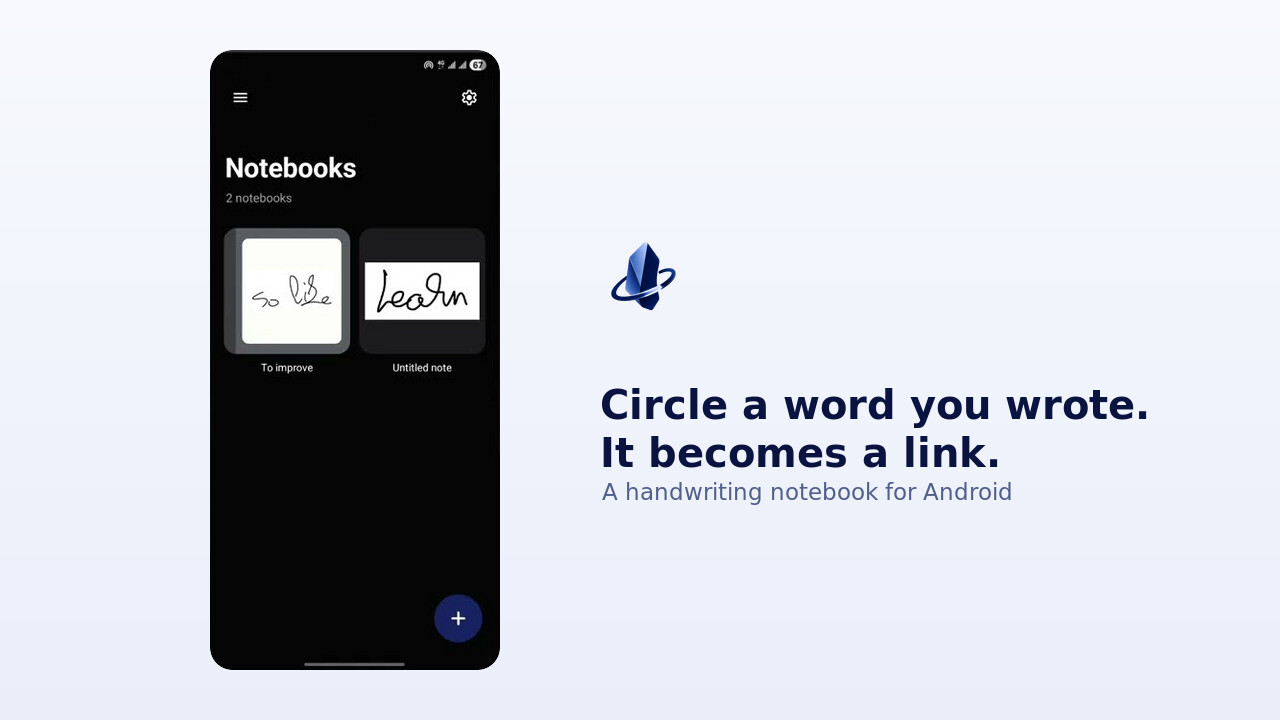
A graph you drew
Links go both ways: every note knows what points at it. Notebooks are covers, not filenames — you recognise your own handwriting faster than any title.
Offline by construction
No account, no telemetry, no sync. Your notes never leave the device — the only request the app can make is a one-time license activation.
Your notes, your disk
Handwriting is personal. We respect that.
Handwriting is the most personal thing you can put in an app. Obsilide keeps it in plain files on your device and asks for nothing else. Internet is only every used once, and to activate a license if you ever buy one.
- Saves are atomic and fsynced; a killed app never leaves a half-written page
- An unreadable file is quarantined, never deleted — handwriting doesn’t get thrown away quietly
Pricing
Pay once, if you ever pay.
The notebook is free and stays free. Premium is a one-time purchase.
Free
$0
The whole notebook. Forever, with no account.
- Unlimited notes and handwritten links
- Low-latency ink, pressure pen, highlighter
- Extending canvas, zoom, reading mode
- Plain files on your device
Premium
$15one-time
Unlock notebook covers. More local Premium features are to be be added later.
- Everything in Free
- Eight notebook cover styles
- Offline access after one license activation
- No subscription or recurring fee
One payment, billed by Creem. 14-day refund — see terms & refunds.